

BlenderPocket - Porting Blender 3D to mobile (PDA/PocketPC) back in the 2000s
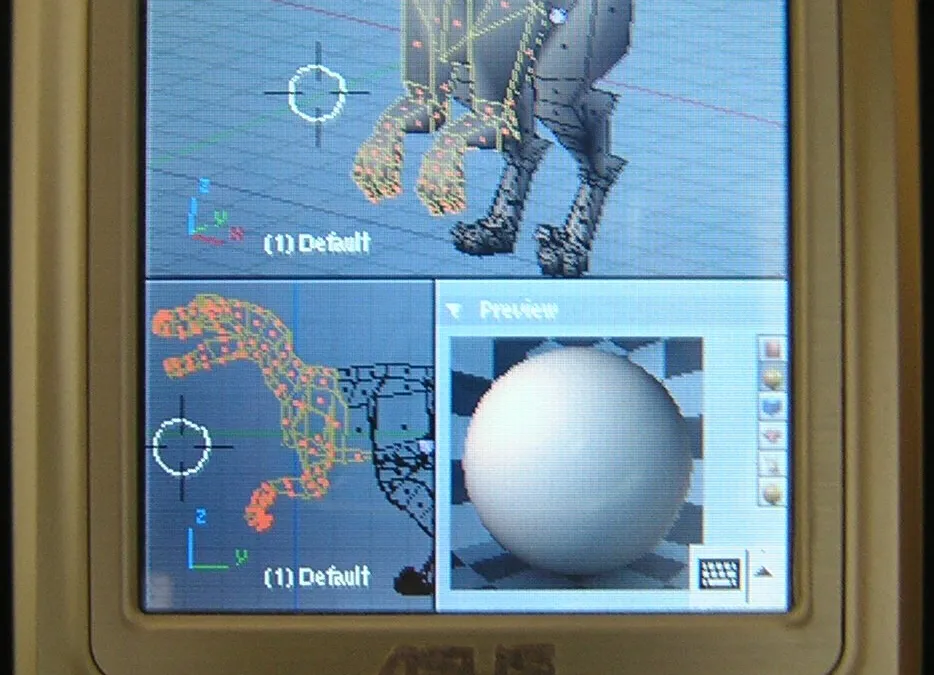
Project Genesis
As an IT and Data Project Director, my daily role focuses on coordinating teams and aligning architectures with business goals. However, I believe that regular hands-on technical practice remains essential to maintain sharp expertise.
Early in my career, I launched the BlenderPocket project, which was a culmination of this approach. Developed entirely on my personal time, it addressed an ambitious technical challenge. Here is the summary of this porting effort.
Code rather than words: the entire source code of this personal project is open and available on my GitHub.
The Starting Point
My encounter with Blender dates back to 2002. I was looking to learn 3D and stumbled upon blender.free.fr, which was the absolute French reference at the time. I quickly grew to love the software — its power, its community, its open architecture.
A few years later, I owned a PDA/PocketPC. And an idea started to grow: could I get Blender running on it? Having an entire 3D suite right in my pocket…
NaN, the company originally behind Blender, had already attempted the experiment on an iPaq. But their version was old, and the source code for that work was unavailable. On the other hand, Blender’s own source code was already structured to facilitate this type of port. The real, fundamental problems had been anticipated. They “just” needed to be solved.
Breaking the taboo of “3D reserved for powerful machines” seemed like an excellent reason to get started.
First Steps and Constraint Analysis
Let’s be honest: my programming knowledge at the time was quite weak, or rather very academic. My knowledge of OpenGL was non-existent. And my expertise on PDA/PocketPC amounted to that of a regular user.
I joined the Blender development mailing list and asked my questions very simply. To my great surprise, Ton Roosendaal, the original creator of Blender, answered me directly. He took the time to reply in detail. His email was both a warning and a roadmap. He pointed out three major obstacles:
- The internal Ghost library (interface management) would have to be rewritten for WinCE.
- OpenGL was at the core of Blender. And PDAs/PocketPCs of that era didn’t support it natively.
- PDAs/PocketPCs are notoriously bad at floating-point calculations. This posed serious problems for OpenGL, sound, and the Game Engine.
My reading of this email at the time: Ghost, I didn’t know what it was. OpenGL, I was going to have to find help. Floating-point, I’d axe the sound and the Game Engine and we’d talk about it later.
That’s how it started.
Adapting the Ghost Library (Interface Management)
Ghost is the abstraction layer between the hardware and Blender’s foundational software layers. It manages:
- the stylus (the equivalent of the mouse on a PDA/PocketPC)
- the keyboard
- windows
- events
- OpenGL initialization
It’s a modestly sized library, which made it a good entry point for learning PDA/PocketPC programming. The original author had used object-oriented programming, so I didn’t have to rewrite everything. I simply had to adapt the Win32 part, as the interfaces were compatible with WinCE.
Sweat was shed. The code finally compiled.
But to test Ghost, I needed OpenGL so I could actually have elements to control. And that’s where things got complicated.
The OpenGL ES Challenge
PDAs/PocketPCs back then didn’t speak OpenGL but supported OpenGL ES, a more limited subset. Same basic vocabulary, but essential pieces were missing: no “Quads” primitives, no direct pixel drawing, no selection, no feedback, and most importantly: no glBegin or glEnd. For OpenGL, that’s like removing the verbs “to be” and “to have” from English. You couldn’t go far.
I haunted the forums. “Can someone explain how to emulate begin/end in OpenGL ES?” That’s when Daniel Wagner stepped in. He generously gave me access to his KlimtES library, which implemented the missing OpenGL functions on top of OpenGL ES. The only condition: do not distribute his source code, which hadn’t been open-sourced yet.
With KlimtES, I got to see my first Suzannes (monkey heads, Blender’s mascot) spinning on my PDA/PocketPC. I could test the stylus clicks and validate all of Ghost’s features. The first milestone had been reached.
But KlimtES had a limitation: its code was closed. Redistributing or freely modifying it was out of the question. Eventually, I was going to have to write my own solution.
Compilation and Memory Management
After Ghost, I battled with Python on the PDA/PocketPC. Then BlenderPocket finally compiled across the entire project.
Compiled, but crashed immediately! With an error message I didn’t understand: “misaligned data”.
What followed was a deep dive into the guts of Blender’s memory management. The guardedalloc library — whose comments were still in Dutch. The SDNA structures. Quite a hostile territory.
After weeks of investigation, I found the real cause of this problem: a simple bad memory allocation, not a fundamental alignment issue. But I didn’t know that yet… And before reaching that conclusion, I had time to make two memorable mistakes.
Resolving Major Technical Obstacles
The Unicode Encoding Issue
All the documentation on PDA/PocketPC porting hammered the same point: “WinCE works in Unicode”. I interpreted this as meaning I had to convert all of Blender to Unicode. A very bad reading.
So I set about replacing every char with wchar_t in Blender’s code. I modified string functions. I went down into the depths of guardedalloc, painfully reading Dutch comments. I was butchering the software’s architecture. But I was also discovering its deepest subtleties, which would serve me well later in the project.
The developers on the mailing list stopped me dead in my tracks. I took a step back and understood my mistake: the operating system requires Unicode only for its native API calls — CreateWindow() and the like. Blender’s core could perfectly well stay in ANSI. All I had to do was convert the strings right before calling the OS functions.
I threw 60% of my work in the trash. And started over cleanly.
The Memory Alignment Error
When Blender crashed with a memory alignment error, I started investigating ARM specifics, structure alignment, and SDNA’s internal mechanisms. Fascinating. And completely off-topic.
The real cause: a bad memory allocation in one specific spot. Nothing more. It then simply required correctly generating dna.c directly from the PDA/PocketPC, a marvel of design on Blender’s end ensuring data structure compatibility regardless of processor architecture. Just magnificent design.
These two mistakes together cost me several months. The lesson: before pulling out the bazooka, make sure you’re not just swatting a fly.
Developing a Custom OpenGL ES Wrapper
KlimtES had allowed for the initial tests, but I couldn’t use it in production — since its source code was closed. So I wrote my own wrapper: OGLES2OGL.
The concept: implement all the missing OpenGL functions that Blender needed on top of OpenGL ES. The list was precise:
glBegin/glEndGL_QUADSprimitives (absent in OpenGL ES)- pixel drawing (
glDrawPixels,glBitmap) - selection and feedback mechanisms
glDrawBuffer/glReadBuffer- evaluators
For the missing primitives, I drew inspiration from available open-source work, notably the Quake III port for PDA/PocketPC. Not a single line came from KlimtES.
Today, the wrapper works for all the functions Blender needs, except for evaluators which are implemented in a simplified manner. It is available on my GitHub in the BlenderPocket source code.
For the OpenGL ES engine itself, I evaluated several options: Mesa3d (too slow on ARM without a fixed-point rewrite), Klimt (Open Source but limited), Vincent (unstable at the time), and finally Rasteroid — a closed-source implementation that gave the best performance on the available hardware.
First Successful Launch
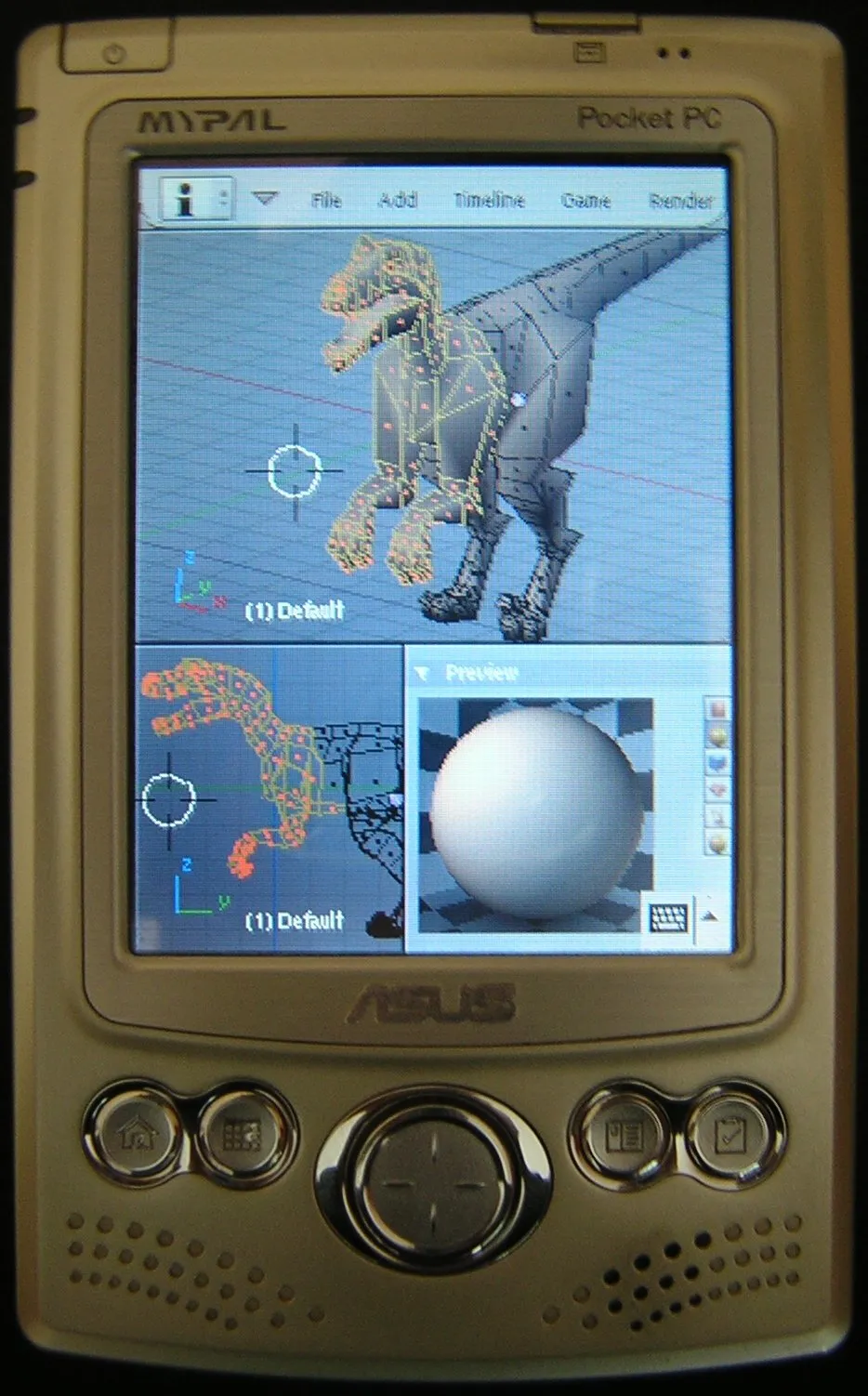
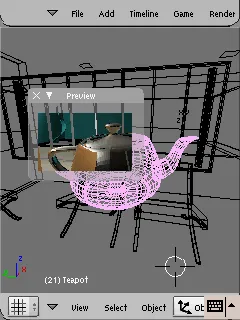
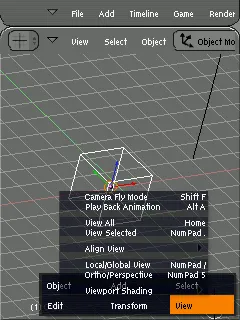
After the fixes regarding Unicode, memory, and the OpenGL wrapper, Blender finally launched on the PDA/PocketPC.
The first launch was something else. The interface was distorted, some elements were misplaced, but the program ran.

Finalizing the Visual Rendering
With Blender running but displaying poorly, the rendering had to be fixed. I had tried to avoid learning OpenGL in depth. Mesa3d could have been a solution, but converting it to fixed-point for ARM performance would have been a monumental undertaking.
I opened the Red Book (the OpenGL reference) and started reading, understanding, and implementing…
What I discovered: OpenGL ES wasn’t that far removed from OpenGL; it mainly lacked the selection mechanisms — the system Blender uses to detect which object the user is clicking on. Once these mechanisms were cleanly rewritten in my wrapper, Blender regained its normal, perfectly functional shape.
BlenderPocket’s Functional Scope
The question often came up: what is it actually used for?
Here is the complete list of features present in BlenderPocket:
- Polygonal modeling, curves, metaballs, lattices
- UV Unwrapping
- Materials and textures
- Armatures and rigging
- Animation (IPO curves, actions, NLA)
- Standard rendering, raytracing, radiosity
- Nodes (compositing and materials)
- Python scripts (optional version, +3 MB)
- Image Editor
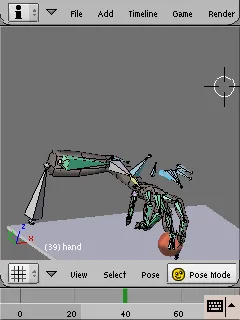
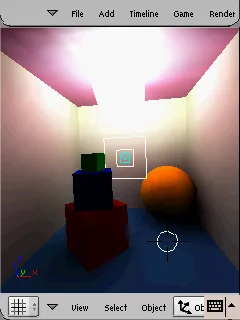
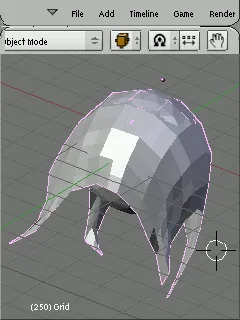
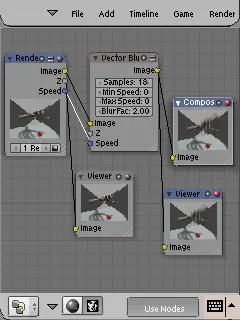
What was excluded: the Game Engine, sound, and physical simulation. These features relied too heavily on floating-point arithmetic or on resources absent from the PDAs/PocketPCs of that era.
The real constraints were memory and the lack of a GPU. Everything is calculated by the CPU. Scenes must remain simple. But within these limits, everything we love about Blender works — and .blend files remain perfectly compatible between Windows, Mac, Linux, and PDA/PocketPC. You can model on a PDA/PocketPC and finish on a desktop without any conversion.
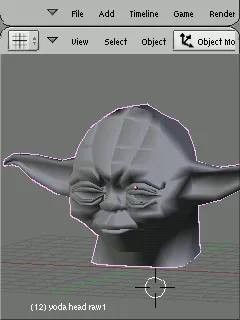
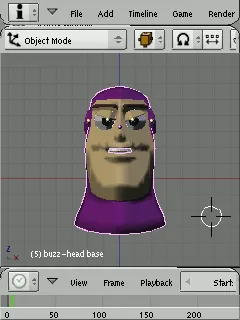
Evolution to 2.4x Versions
It’s important to note that all this work was based on the software architecture of the Blender 2.4x versions. The initial port was based on Blender 2.37a. When Blender 2.42 was released with completely overhauled animation and rendering systems, I easily resynchronized everything, which was a great test of code organization.
Honest assessment: the modifications made to Blender’s original source code are actually minimal. I invented nothing with BlenderPocket. I simply took advantage of the fantastic architectural design thought up by the original developers. Most of the work was configuration, adapting the build environment, and debugging. A lot of energy and code were produced to arrive at a diff that was ultimately quite short. That’s the price you pay when you learn by doing.
An unexpected gift from this synchronization: the icons in Blender 2.42 had been redesigned to better fit small screens. I did nothing for that. The Blender Foundation had done it for other reasons, and it worked out perfectly for BlenderPocket.
Conclusion and Takeaways
This personal project demanded a significant personal investment. It pushed me to my limits in understanding memory, cross-compilation, and graphics pipelines. Technically, I discovered the internal architecture of a large-scale C project, ARM specifics, the subtleties of OpenGL, and the constraints of cross-compiling for WinCE. I learned how to write a graphics library wrapper. I learned how to read code commented in Dutch, which will probably never be useful to me again.
But what struck me most was the response of the open-source community. Ton Roosendaal taking the time to reply to a stranger with a detailed and honest email. Daniel Wagner sharing his work with full trust. The mailing list questioning my bad intuitions before I could do any real damage.
This project could exist because Blender had been perfectly designed from the beginning. My contribution mainly consisted of believing it was doable — and sticking with it to the end. And my fascination for this software, still at the cutting edge of technology today, was only strengthened.
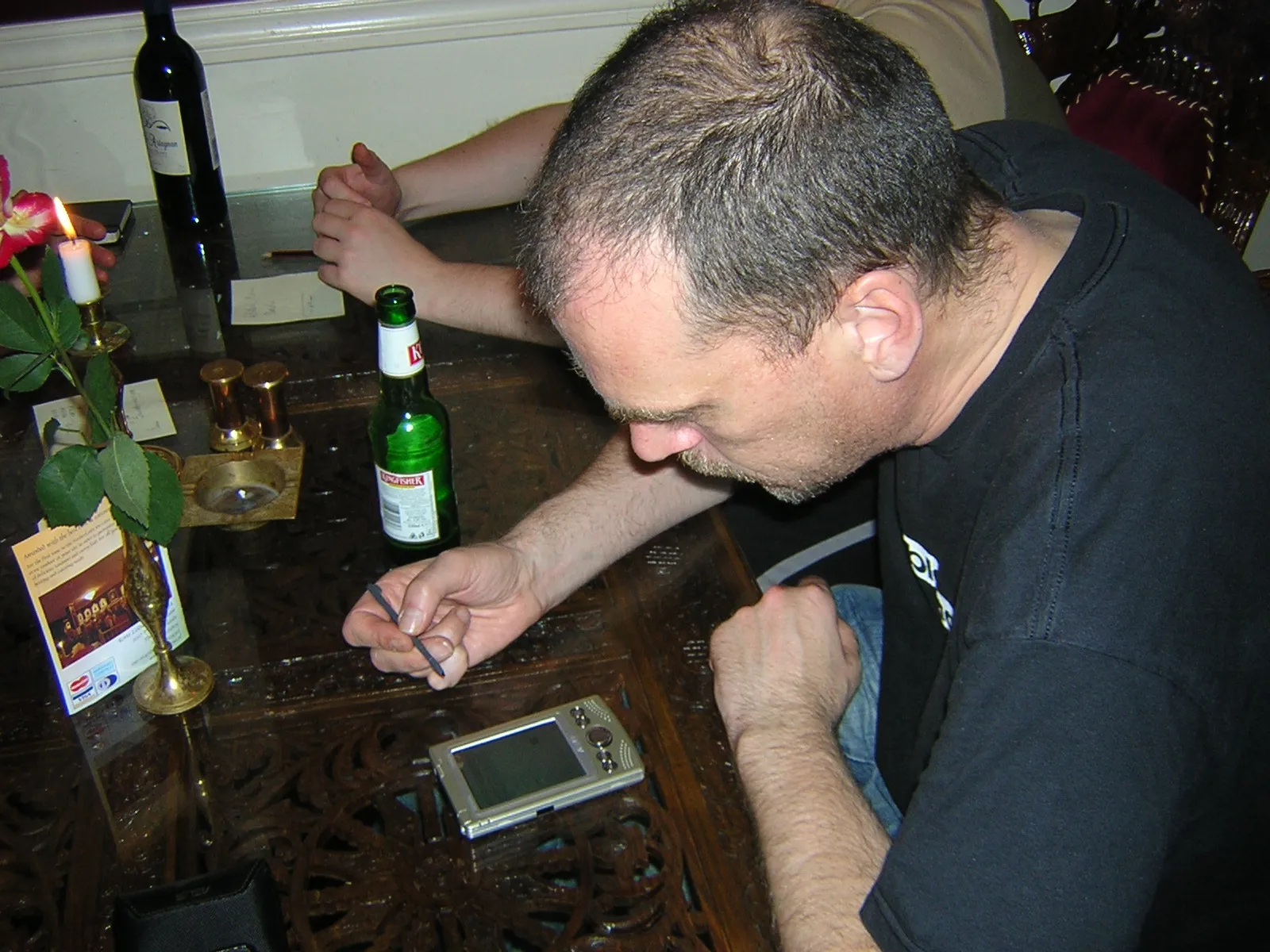
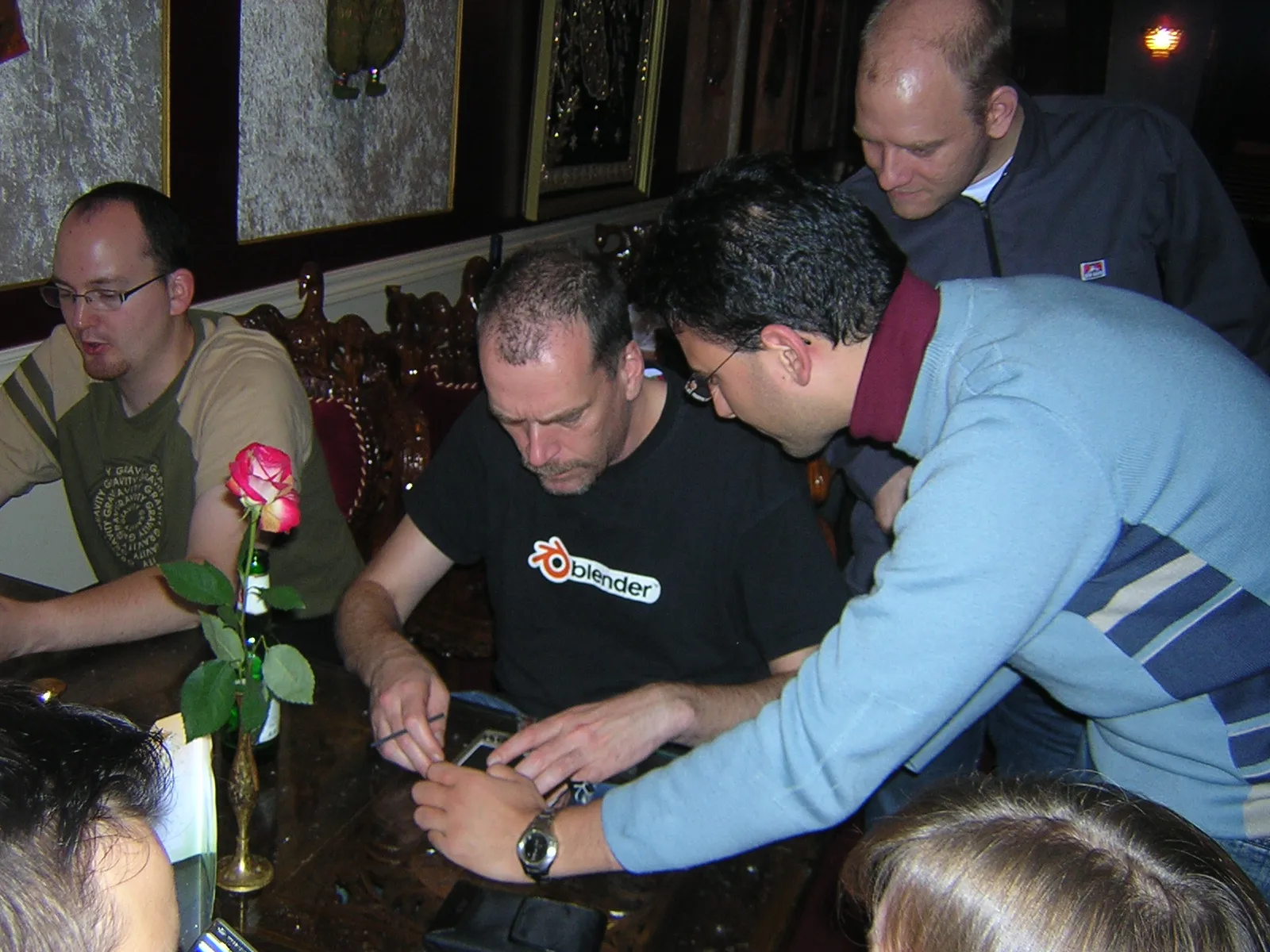
Subsequently, the culmination of this work generated genuine interest within the community, as evidenced by articles published on Blendernation, including this one, which highlighted my port to a broader audience. I was also able to go to the Blender Conference to present the project, and I even had the incredible chance to see the great Ton Roosendaal try it out in person, as seen in the images below:
Salvatore Russo